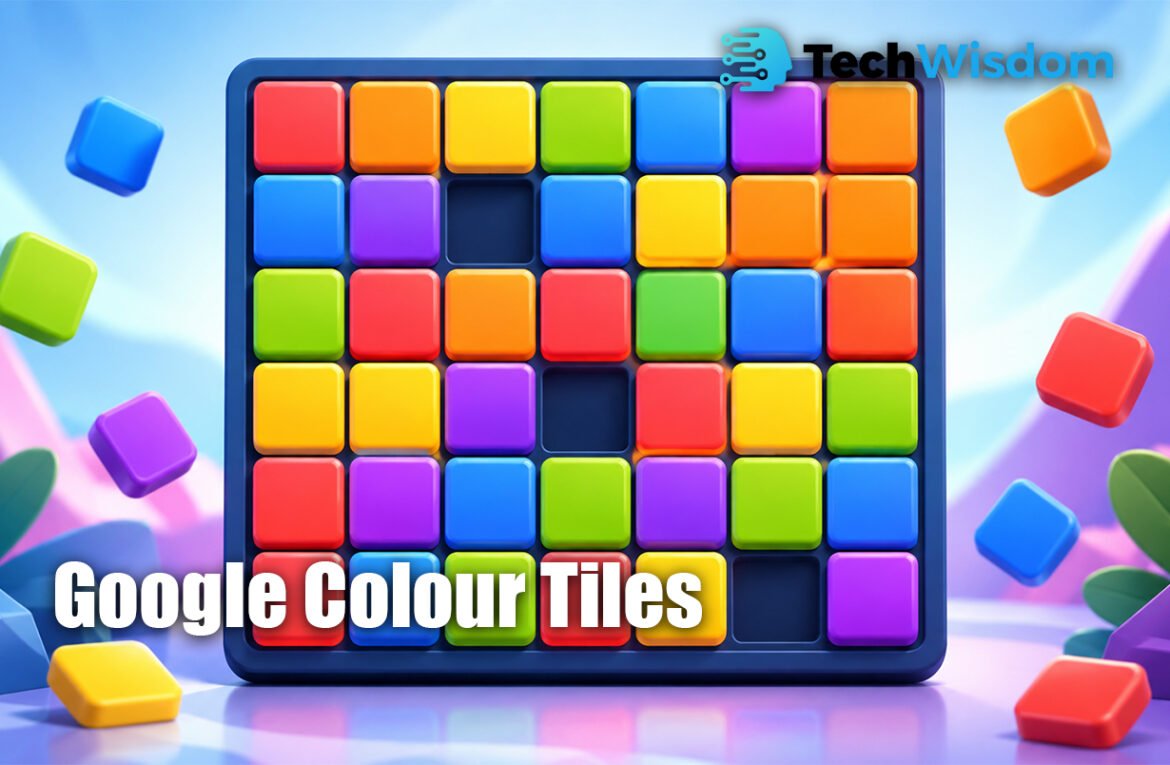
Google Colour Tiles is an online game puzzle where players match colors, clear tiles, and try to make smart moves before the game ends. It looks simple at first, but every move needs attention. The main goal is to understand the board, find the best color match, and clear as many tiles as possible. Google’s Daily Games page describes Color Tiles as a fast challenge where players match colors and patterns before they run out of moves.
What the Game Is About
This game is a color-matching puzzle. You see a board with different colored tiles. Your job is to remove matching tiles by choosing the right space or move. The game rewards clear thinking, not random clicking.
Google Colour Tiles because they want to know the rules before playing. The game is useful for people who enjoy quick puzzles, simple controls, and brain-training games. It can be played for fun, but it also needs planning.
How the Online Game Works
The game usually works on a tile board. Some spaces are filled with colored tiles, and some spaces may be blank. A player must look at the board and choose the best place to make a match.
In many Color Tiles versions, you click or tap a blank space. The game then checks the nearest tiles in straight lines. If matching colors are found vertically or horizontally, those tiles can be removed. GameSaien explains that matching nearest tiles can give the player points.
Main Rules Players Should Know
The first rule is simple: you must match the same colors. A move works only when the game finds the correct color connection. If the colors do not match, the move may not help you.
The second rule is that moves are limited by time, number of moves, or board space, depending on the version. Google’s Daily Games page says players try to clear as many tiles as possible before they run out of moves. This makes each move important.
How Matching and Clearing Tiles Works
Matching is the heart of the game. You need to look at tiles around a space and check if two or more colors are the same. If they match, the game clears them from the board.
Some versions use a cross-scan system. This means the game checks up, down, left, and right from a blank space. If the first visible tiles in two or more directions match, they clear. This rule makes the game more about logic than luck.
Scoring, Moves, and Time Limits
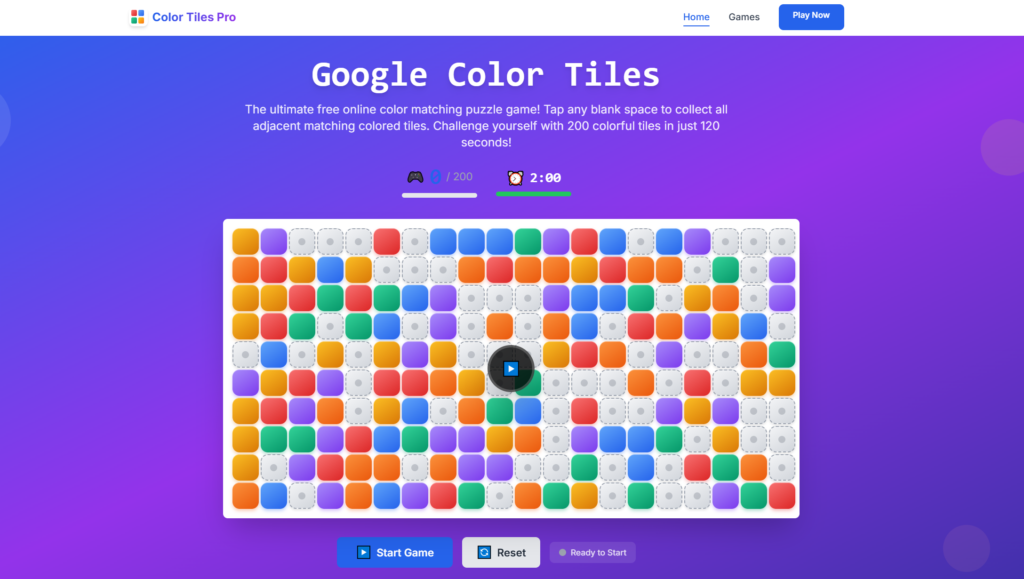
Scoring depends on the game version. In one known Color Tiles version, the player gets 1 point for each tile. The same source says the player has 120 seconds, and each wrong click can reduce time by 10 seconds.
This means speed is helpful, but accuracy is more important. If you click too fast without checking, you may lose time or waste moves. A strong player tries to balance quick action with smart thinking.
Best Way to Start Playing
The best way to start is to scan the full board before your first move. Do not only look at the center. Check the edges, corners, and blank spaces because good matches can appear anywhere.
Beginners should first look for easy matches with two same-colored tiles. After that, they can try bigger matches. A move that clears three or four tiles is usually better than a move that clears only two.
Smart Tips to Improve Your Game
A smart tip is to think one move ahead. Before clicking, ask yourself what the board will look like after the tiles disappear. This helps you avoid weak moves.
Another tip is to stay calm. Puzzle games can feel fast, but panic makes mistakes. In Google Colour Tiles, careful eyes and steady moves can help you score better than random speed.
Common Mistakes to Avoid
One common mistake is clicking without checking all directions. A player may see one matching color but miss a better match on another side of the board.
Another mistake is clearing small matches too often. Small matches are useful sometimes, but they may not create enough space. Try to choose moves that open the board and create better future matches.
Why Strategy Matters
This game may look like a simple color game, but strategy is very important. A good move can clear tiles and create new chances. A bad move can leave the board harder to solve.
Players should also watch the remaining moves or time. If the game gives limited moves, every move must have value. If the game has a timer, the player must act quickly but still avoid wrong clicks.
Mobile and Desktop Play
The game can be played on different devices, depending on the website or app version. On desktop, players usually use a mouse. This can make the board easier to see.
On mobile, players usually tap the screen. Mobile play feels fast and simple, but the smaller screen needs more focus. In both cases, the rules stay mostly the same: match colors, clear tiles, and use moves wisely.
Is the Game Good for Beginners?
Yes, the game is good for beginners because the basic idea is easy. You do not need long instructions to start. You only need to understand colors, spaces, and matching.
At the same time, the game can become challenging. As the board changes, finding strong moves becomes harder. This is why both new players and puzzle fans can enjoy it.
In Short
Google Colour Tiles is a simple but smart online puzzle game. The player matches colors, clears tiles, earns points, and tries to use every move well. The main skills are focus, planning, and fast but careful decisions.
To play better, look at the full board, check blank spaces, avoid random clicks, and choose moves that clear more tiles. With practice, you can understand the patterns faster and enjoy the game more.
FAQs
What is the goal of the game?
The goal is to match colors and clear as many tiles as possible before moves or time run out.
Is the game hard to play?
No, it is easy to start. But it becomes harder when you try to get a high score.
Can beginners play it?
Yes, beginners can play it easily because the rules are simple and clear.
What is the best beginner tip?
Look at the full board before clicking. Try to find the move that clears more tiles.
Can I play it on mobile?
Yes, many versions can be played on mobile by tapping the screen.