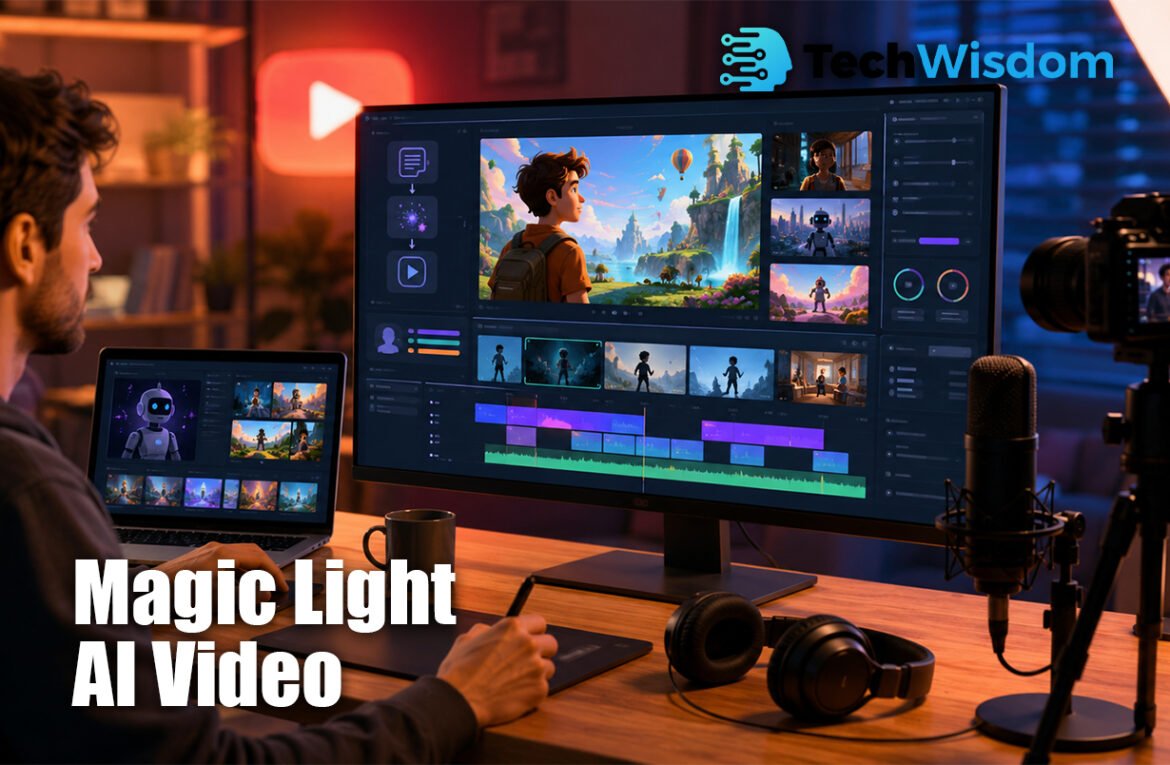
Creating videos for YouTube can take a lot of time, especially when you need a script, voice-over, images, music, subtitles, and editing. Magic Light AI Video brings many of these tasks into one platform. It helps creators turn simple ideas, written stories, or full scripts into complete videos. This makes it useful for beginners, faceless channel owners, teachers, marketers, and storytellers who want to publish content faster.
What Is Magic Light AI and How Does It Work?
Magic Light AI is an online AI video creation tool. It can change text, scripts, images, and stories into videos. A user enters a topic or pastes a script, selects a visual style, and chooses a voice. The platform then creates scenes, characters, narration, captions, and background music.
The system uses artificial intelligence to understand the text and divide it into visual scenes. It can also create animated characters and keep their appearance similar during the video. Users can review the scenes, change images, improve the voice, edit subtitles, and export the final result.
Why YouTube Creators Use Magic Light AI
YouTube creators often need to publish videos regularly. Traditional production may require a writer, voice artist, animator, designer, and editor. Magic Light AI Video can reduce this workload by placing several production tools in one workspace.
It is especially useful for people who do not want to appear on camera. A creator can make educational videos, fictional stories, history content, motivational videos, explainers, children’s stories, product videos, and social media clips without recording live footage.
How to Create a YouTube Video Step by Step
Start by choosing one clear topic. A focused subject helps the AI create more accurate scenes. For example, “How rain is formed” is better than a wide topic like “Everything about weather.” You should also decide who will watch the video, such as children, students, beginners, or business users.
Next, write an original script or enter a detailed prompt. Include the video length, tone, audience, visual style, voice type, and main message. After the first draft is ready, review every scene. Fix incorrect visuals, repeated images, poor subtitles, strange movements, and pronunciation problems before exporting.
Best Content Types for Magic Light AI
The platform works well for story-based videos because it can create characters, scenes, narration, and music. Fiction, horror, moral stories, religious stories, and children’s content can all use this format. Strong scripts and clear character descriptions usually give better results.
It can also support educational and information channels. Creators may use it for science lessons, historical events, business explainers, language learning, health awareness, and general knowledge. However, important facts should always be checked before the video is published.
Important Features for YouTube Production
One major feature is long-form video creation. Many AI tools only make short clips, but Magic Light AI is designed to support longer stories and explanations. The available length may depend on the selected plan, credits, and production settings.
Other useful features include AI voice-over, voice cloning, automatic subtitles, image-to-video animation, lip sync, background music, character creation, storyboard editing, and HD export. Some tools and higher-quality exports may only be available with paid plans.
Keeping Characters and Scenes Consistent
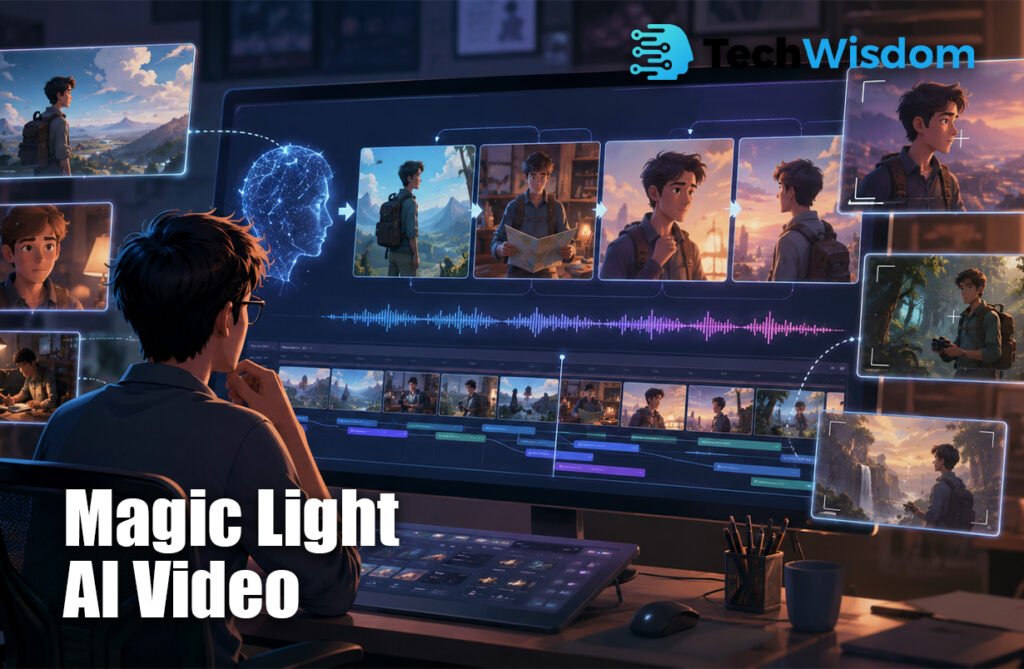
Character consistency is important in storytelling. Viewers may become confused when a main character changes clothes, face shape, age, or hair in every scene. Magic Light AI tries to keep characters more stable, but users should still provide clear descriptions.
A useful character prompt should include the name, age, hair, eyes, clothes, body type, personality, and art style. Reusing the same saved character can also improve results. Creators should check each scene because AI tools can still make visual mistakes.
Voice-Overs, Captions, and Music
AI voice-over can save time because creators do not need to record every sentence. Different voices may suit different videos. A calm voice can work for education, while an energetic voice may suit entertainment. Always listen to the full narration before uploading.
Captions help viewers understand the content, especially when they watch without sound. Check spelling, timing, names, and punctuation. Background music should stay quieter than the voice. Creators should also confirm that they have commercial permission to use all music and sound effects.
Pricing, Credits, and Export Quality
Magic Light AI uses a credit-based system. Credits may be used when generating images, scenes, voices, animations, or full videos. Longer projects and repeated scene generation can use more credits, so creators should plan their work before starting.
Paid plans may provide more credits, higher video limits, 1080p export, watermark removal, voice cloning, and commercial use options. Prices and plan limits can change, so users should review the official pricing page and checkout details before buying a subscription.
Can You Monetize AI Videos on YouTube?
You can use AI tools to support monetized YouTube content, but using AI does not guarantee approval. YouTube looks for original, useful, and valuable content. Channels that upload many repeated, low-quality, or fully automatic videos may face monetization problems.
To improve your chances, write original scripts, add human editing, check facts, improve pacing, and give viewers useful information. Magic Light AI Video should support your creativity instead of replacing it. Your final video should show clear effort and offer something different from copied or mass-produced content.
Copyright, Voice Cloning, and AI Disclosure
Creators must own or have permission to use all uploaded scripts, images, voices, music, logos, and characters. Do not copy another creator’s work or use a real person’s face or voice without clear consent. Voice cloning should only be used with your own voice or an approved voice.
YouTube may require creators to disclose realistic AI-generated or altered content. This is important when a video shows a real person doing something that did not happen or presents a realistic fake event. Read the latest YouTube disclosure rules before publishing sensitive AI content.
Main Benefits and Limitations
The main benefits are faster production, lower entry costs, an all-in-one workflow, support for faceless channels, character tools, AI narration, captions, and long-form content. It may help small teams create more videos without using many separate applications.
The limits include credit costs, visual mistakes, repeated scenes, unnatural movement, weak pronunciation, and the need for human review. Magic Light AI Video can save time, but it cannot guarantee strong ideas, correct facts, high viewer retention, or YouTube success.
Is Magic Light AI Worth Using for YouTube?
Magic Light AI can be valuable for beginners, storytellers, teachers, marketers, and faceless channel creators. It may be worth testing when you need fast video drafts, animated stories, educational content, or regular YouTube uploads.
The best approach is to begin with a short project. Test the script, visuals, voice, captions, export quality, and credit use. Then decide whether the platform fits your budget and channel goals. Human creativity, careful editing, and useful content will still decide the final quality.
FAQs
Is Magic Light AI suitable for beginners?
Yes. It offers a guided process for turning text and scripts into videos. Beginners should still review and edit all generated scenes.
Can I create faceless YouTube videos?
Yes. You can use AI characters, generated visuals, narration, captions, and music without appearing on camera.
Does Magic Light AI support long videos?
It supports longer video projects, but the exact length may depend on your plan, credits, and selected production tools.
Can I use its videos commercially?
Paid plans may include commercial use rights. Always read the current license terms and make sure you own all uploaded materials.
Will YouTube monetize AI-generated videos?
YouTube may monetize original and useful AI-supported content. Repetitive, copied, or low-value videos may not qualify.