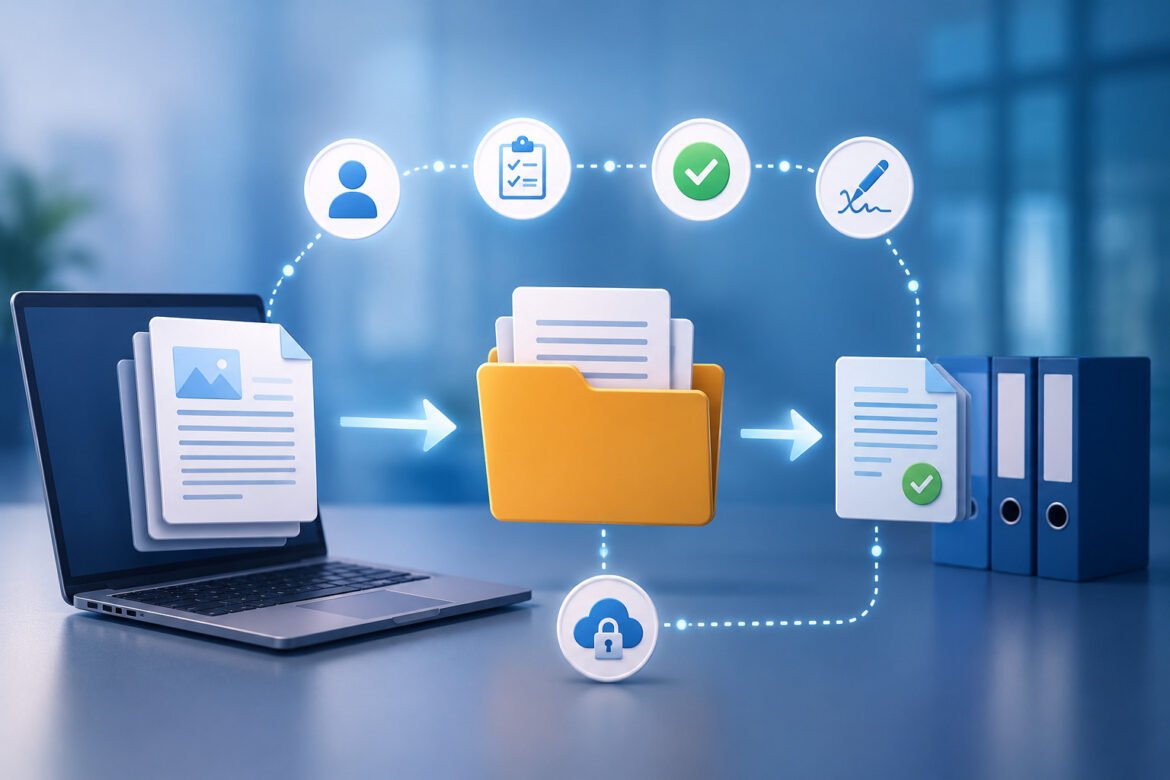
Document management is a common part of every business. These documents can contain contract, invoices, employee forms and reports. Don’t forget their manual handling can be time-consuming and cause delays. Document Workflow Automation speeds up businesses by automating tasks with software such as approval, routing, storage and tracking.
Document Workflow Automation: What It Is?
Document Workflow Automation refers to the automation of documents using digital tools. Software is used to push documents through each step, rather than sending them by e-mail for manual approvals.
Typical workflow: create, review, approve, sign and then archive. This decreases the amount of manual labor and increases speed. Automation ensures that documents are always delivered to the appropriate person at the proper time for businesses.
Manual document processes have problems for a reason.
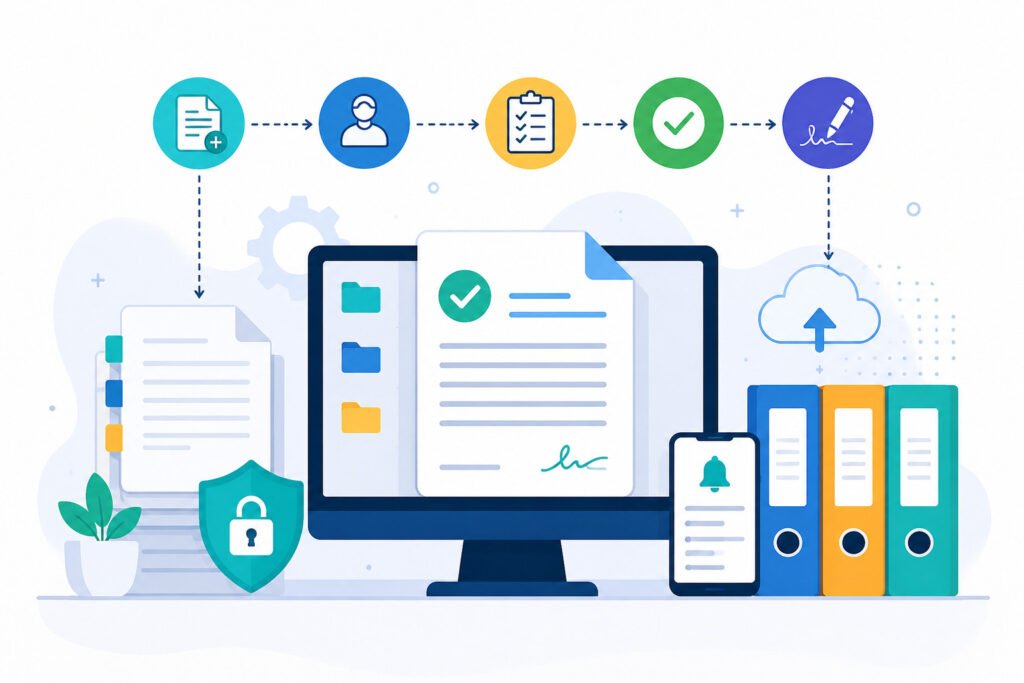
There’s a reason why manual document processes have problems.Manual processes tend to generate numerous problems. Files can be lost, managers may overlook their approvals and documents can be lost in lengthy email chains.
Common problems include:
* Slow approvals
* Human errors
* Missing files
* Wrong document versions
* Poor security
All of these problems hinder productivity and impact the customer experience.
Identify Repetitive Tasks.
The best place to start automation is with repetitive work. Find activities that occur on a regular basis, like everyday or every week, and involve the same process.
Good examples include:
* Invoice approval
* Purchase requests
* Employee onboarding
* Contract reviews
Many work hours can be saved and quick results can be gained when repetitive tasks are automated.
Draw an illustration of your current workflow.
When implementing automation software, it’s important to get a clear understanding of your existing process. It is essential to be familiar with document flow within your company.
Ask questions like:
Who is the document made by?
* Who reviews it?
* Who approves it?
What are the points of delay?
This aids in the identification of vulnerabilities. Bad workflow is bad workflow, regardless of how it is automated.
Use Standard Templates
Templates make it easier and less error-prone for teams to generate documents. They also maintain a uniformity of formatting.
For instance, a contract template can auto fill:
* Client name
* Project value
* Start date
* Payment terms
This helps to minimize manual typing errors and increases accuracy.
Set up the Clear Approval Rules
The key one of the Document Workflow Automation tips is to set clear rules for approvals. Specific directions are required for the system.
Bad rule:
Send to manager.
Good rule:
If invoice is above $5,000, send to Finance Director.
Documents flow easily when there is clarity in rules.
Apply OCR and AI to Smart Processing.
OCR (Optical Character Recognition) and AI (Artificial Intelligence) are used in modern automation tools to read documents.
OCR can scan:
* PDFs
* Images
* Scanned paper files
AI can identify important information such as:
* Names
* Dates
* Prices
* Account numbers
This helps to minimise the manual input of data and boosts the speed of the task.
Add Automatic Notifications
People become distracted and forget things. Keep workflows moving with automatic reminders.
Notifications can be sent by:
* Mobile alert
* Dashboard reminder
* SMS
For instance, you can have a reminder to be sent automatically if you take 48 hours to approve.
This prevents bottlenecks.
Seamlessly connect with popular software.
Automation is most effective when integrated with the rest of your business tools. Good integration eliminates repetitive tasks.
Common integrations include:
* CRM systems
* ERP software
* HR platforms
* Cloud storage
* Accounting software
For instance, once the invoice is approved, the system can automatically update accounting software. This can help to eliminate human entry and save time.
Improve Document Security
There’s a lot of information that’s sensitive in many business documents. These encompass customer information, worker records, and monetary statements.
These are the security features that should be in place:
* Encryption
* Access control
* Audit logs
* Role permissions
Remember, important files must be accessed by only authorized users. Security has always been a part of Document Workflow Automation.
Use KPIs to monitor performance
The goal of automation is to enhance measurable outcomes. As such, it is crucial to monitor performance.
Useful KPIs include:
* Approval time
* Error rate
* Processing speed
* Delayed documents
* Cost per workflow
These are the metrics used to assess the effectiveness of automation.
In the context of approval time, for instance, automation is successful if approval time is reduced from 5 days to 1 day.
Here are some of the most frequent errors made.
Planning is what makes the difference between successful companies and those who fail, as many companies have tried to automate without planning.
Common mistakes include:
* Automating broken processes
Too many tools for a job = no job done.
* Ignoring employee training
* Poor workflow design
* Weak security settings
Success rates will be higher if these mistakes are avoided.
Best Tools for Document Automation
These tools assist businesses to automate:
There are numerous companies that provide automation software. There are several popular tools that have been used, such as Microsoft Power Automate, Zapier, DocuSign and Box.
* Approvals
* Signatures
* Routing
* Storage
* Notifications
Select on software depending on the amount of money, the size of your business and the security requirements.
The Future of Document Automation
AI is making Document Workflow Automation smarter in the future. Future systems will not only move documents, but make intelligent choices as well.
New systems with AI capabilities can:
* Predict delays
* Detect risks
* Suggest actions
* Create documents automatically
This will result in increased productivity and speed of business operation.
In Short
Document workflow automation benefits businesses by cutting down delays, increasing accuracy and boosting productivity. It automates tedious manual operations with fast digital workflows.
AI can help companies create improved systems through the use of templates, AI, approval rules, security controls, and performance tracking. Companies that invest in automation today will reap the benefits that will come in the future.
Frequently Asked Questions
Document workflow automation is the process of automating document-related tasks.
It is the automation of document creation, approval, routing and storage through software.
Why is it important to automate documents?
It saves time, minimizes errors and boosts productivity.
What are some departments that might make use of document automation?
These are typical functional areas such as HR, Finance, Legal, Operations, and so on.
Is it better for document automation to enhance security?
Yes, it enhances security with encryption, access control and audit logs.
Yes, small businesses can benefit from document automation.
Yes there are a lot of tools which are economical for small businesses.