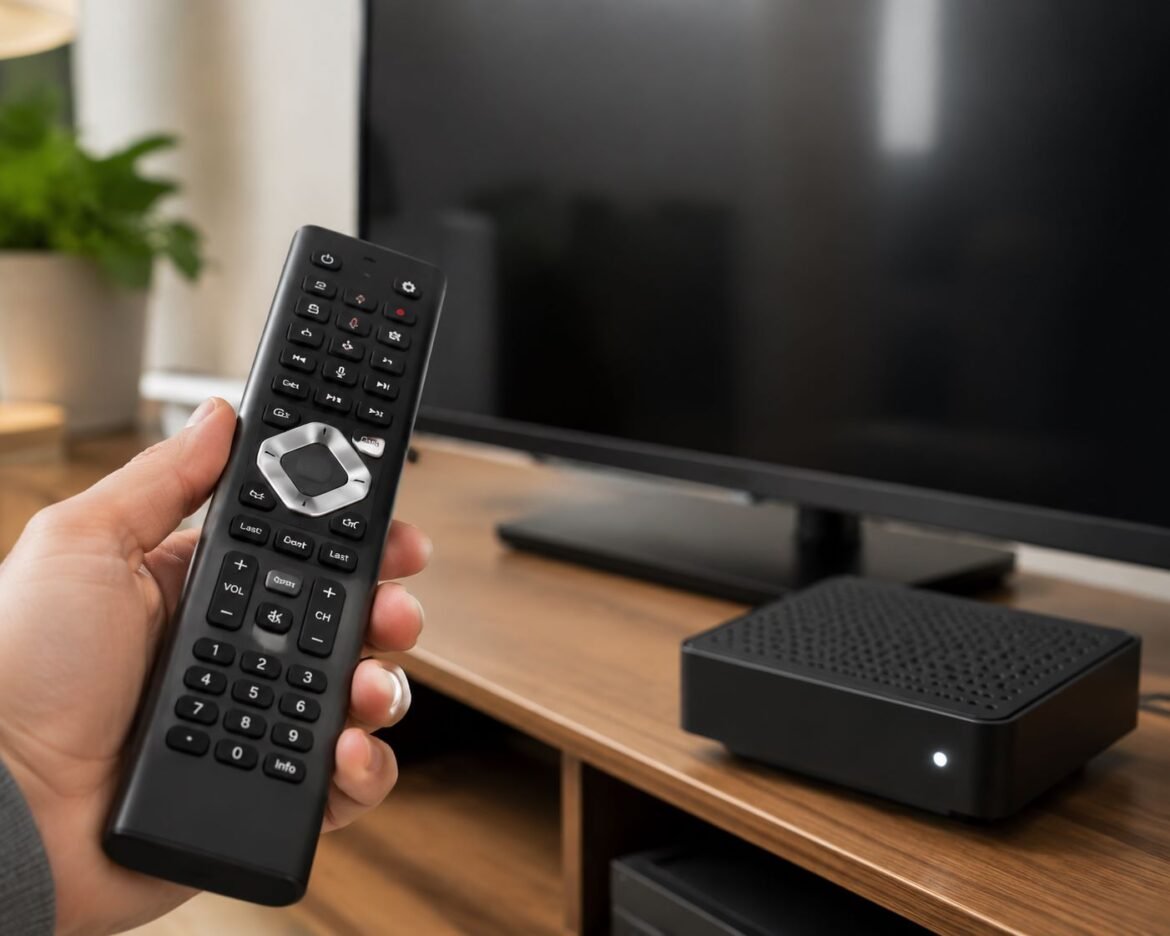
Learning how to connect xfinity remote to tv is important if you want to control your television with a single remote. A properly connected remote can turn your TV on and off, adjust the volume, switch inputs, and even use voice commands on supported models. Many users think the setup process is difficult, but it is usually completed within a few minutes when the correct steps are followed.
What Is an Xfinity Remote?
An Xfinity Remote is a device provided by Xfinity that allows users to control their TV and cable box. Modern remotes such as the XR11, XR15, and XR16 come with advanced features, including voice control and quick setup options.
These remotes are designed to work with many TV brands, including Samsung, LG, Sony, TCL, Hisense, and Vizio. Once paired, you can use one remote instead of managing several different devices.
Things You Need Before Setup
Before starting the connection process, make sure everything is ready. This can help avoid common pairing problems.
You will need:
- A working TV
- An active Xfinity TV Box
- Fresh batteries in the remote
- A clear view of the TV screen
- The correct TV input selected
Checking these items before setup can save time and reduce errors during pairing.
Identify Your Xfinity Remote Model
Before you begin, identify the remote model. Different models use different pairing methods.
XR15 Voice Remote
- No Setup button
- Has a Voice button
- Most common model today
XR11 Voice Remote
- Includes a Setup button
- Supports voice commands
XR16 Remote
- Used with Xfinity Flex and Xumo devices
- Features automatic pairing
XR2 and XR5
- Older remote models
- Require manual programming in some cases
Knowing your model helps you follow the correct instructions.
How to Connect Xfinity Remote to TV Automatically
The easiest way to complete how to connect xfinity remote to tv is through the automatic pairing process.
First, turn on both the TV and the Xfinity TV Box. Make sure the TV is showing the Xfinity screen. Next, hold the required buttons according to your remote model. For an XR15 remote, hold Xfinity and Info (i) together for about five seconds.
When a pairing code appears on the TV screen, enter it using the remote. Follow the instructions displayed on the screen. The system will automatically identify your TV brand and complete the connection process.
After setup is complete, test the power and volume buttons to make sure everything works correctly.
How to Program Xfinity Remote to TV Manually
Sometimes automatic pairing does not work. In that situation, users need to learn how to program xfinity remote to tv manually.
Turn on your TV and hold the Setup button until the LED light changes from red to green. Enter the programming code for your TV manufacturer. Different brands use different codes.
After entering the code, test the Power button. If the TV turns off, the code is correct. If it does not respond, try another code provided for your TV brand until the remote works properly.
Steps for XR15 Voice Remote
The XR15 Remote is one of the most popular Xfinity remotes.
- Turn on your TV.
- Turn on the Xfinity Box.
- Hold Xfinity + Info (i).
- Wait for the pairing screen.
- Enter the code shown.
- Follow on-screen instructions.
- Test Power and Volume controls.
This method usually takes less than five minutes to complete.
Steps for XR11 Voice Remote
Users with an XR11 remote can follow a similar process.
- Turn on the TV.
- Hold the Setup button.
- Wait for the LED to turn green.
- Press the Xfinity button.
- Enter the pairing code displayed on the TV.
- Complete the on-screen setup.
Once finished, test all major functions before ending the setup.
Using Voice Commands for Setup
Many newer Xfinity remotes support voice control. This feature makes setup easier.
Press the Voice button and say “Program Remote.” The Xfinity system will launch the setup screen automatically and guide you through the process.
This is often the fastest option for users who have supported Voice Remote models.
How to Connect Xfinity Remote to Samsung TV
Many Samsung TVs work with automatic pairing. During setup, choose Samsung when the system asks for the TV brand.
If automatic pairing fails, use Samsung’s programming codes and test the remote again. Most Samsung TVs connect successfully within a few attempts.
How to Connect Xfinity Remote to LG TV
LG televisions are also widely compatible with Xfinity remotes.
Start the pairing process and select LG as the manufacturer. Follow the instructions shown on the screen. If one code does not work, try the next available code until the TV responds properly.
How to Connect Xfinity Remote to Vizio TV
If you own a Vizio television, the setup process is very similar.
Begin pairing mode, select Vizio, and allow the system to search for the correct code. Test the Power and Volume buttons after setup to confirm success.
Common Problems and Solutions
Even though how to connect xfinity remote to tv is usually simple, some users experience issues.
Remote Not Pairing
Possible causes include:
- Weak batteries
- Incorrect TV input
- Signal interference
- Pairing interruption
Replace batteries and restart the pairing process.
Volume Not Working
If the volume buttons do not respond, the TV code may be incorrect. Repeat the setup process and select another code for your TV brand.
Voice Commands Not Working
Make sure:
- The remote is paired correctly
- Batteries are fresh
- You press and hold the Voice button while speaking
Voice features may not work until setup is fully completed.
Read More: How to Fix Dowsstrike2045 Python Code Without Breaking Your Project
How to Reset an Xfinity Remote
A reset can solve many remote problems.
For XR15 Remotes:
- Hold the A and D buttons.
- Wait for the light to turn green.
- Enter 981.
For XR11 Remotes:
- Hold the Setup button.
- Wait for the green light.
- Enter 981.
After resetting, repeat how to connect xfinity remote to tv from the beginning.
Benefits of Connecting Your Xfinity Remote
Once setup is complete, you gain several advantages.
Benefits include:
- One remote for multiple devices
- Easy volume control
- TV power control
- Voice search support
- Faster navigation
- Better user experience
These features make watching TV more convenient and enjoyable.
Final Thoughts
Understanding how to connect xfinity remote to tv can save time and improve your entertainment experience. Whether you use an XR11, XR15, or XR16, the setup process is straightforward when the correct steps are followed. If automatic pairing does not work, manual programming and remote reset options can solve most issues. By learning how to program xfinity remote to tv, you can enjoy full control of your television, volume settings, inputs, and voice features with a single remote.