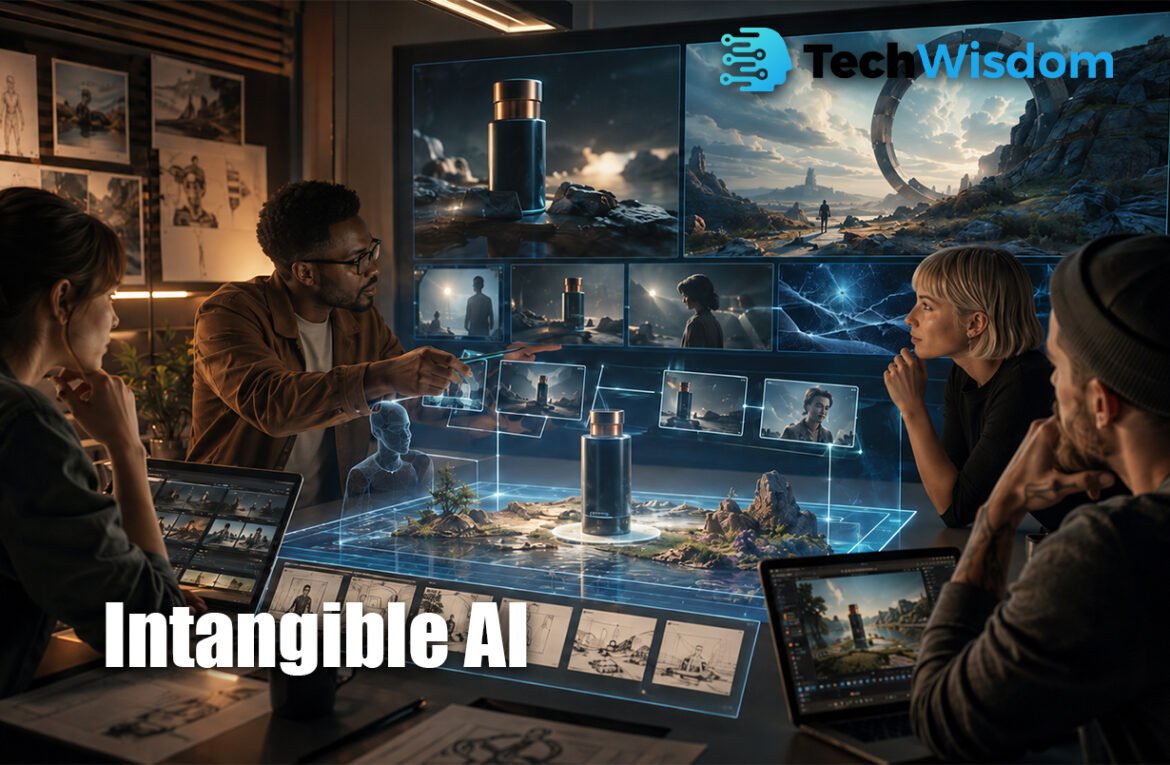
Visual storytelling helps people understand ideas through images, scenes, and videos. However, professional 3D content can take a lot of time, money, and technical skill. Intangible AI makes this process easier by combining a simple 3D workspace with generative technology. Creative teams can build scenes, place objects, control cameras, and produce visual concepts inside a web browser.
What Is This AI-Powered 3D Platform?
This platform is a browser-based creative studio for building and presenting visual ideas. It is made for people working in film, advertising, games, retail, events, architecture, and product design. Users can arrange 3D objects in a digital space before turning the scene into an image or video.
The platform is different from a basic text-to-image tool. A normal AI generator often decides where objects should appear. Here, the user can control the position, size, angle, and distance of each item. This gives creators a clearer way to direct the final result.
How Intangible AI Supports Visual Storytelling
Intangible AI helps creators plan a visual story before spending money on full production. A user can build a location, add characters or products, and choose what the audience will see. Several shots can come from the same digital scene, which may help the story feel more connected.
For example, a filmmaker can create a street scene and then produce a wide shot, a close-up, and a moving camera shot. An advertising team can place one product in several settings. This method helps teams explain ideas to clients, directors, designers, and production partners.
Building and Arranging 3D Scenes
Users can begin with a blank scene, a template, or a written request. They can then add objects such as people, cars, buildings, furniture, lights, or products. Each object can be moved, rotated, and resized to match the creator’s idea.
The platform provides access to a large collection of ready-made 3D assets. Some plans also allow users to import custom models. This is useful for brands that need to show a real product, store layout, machine, vehicle, or special character in their visual work.
Using Camera Controls for Better Shots
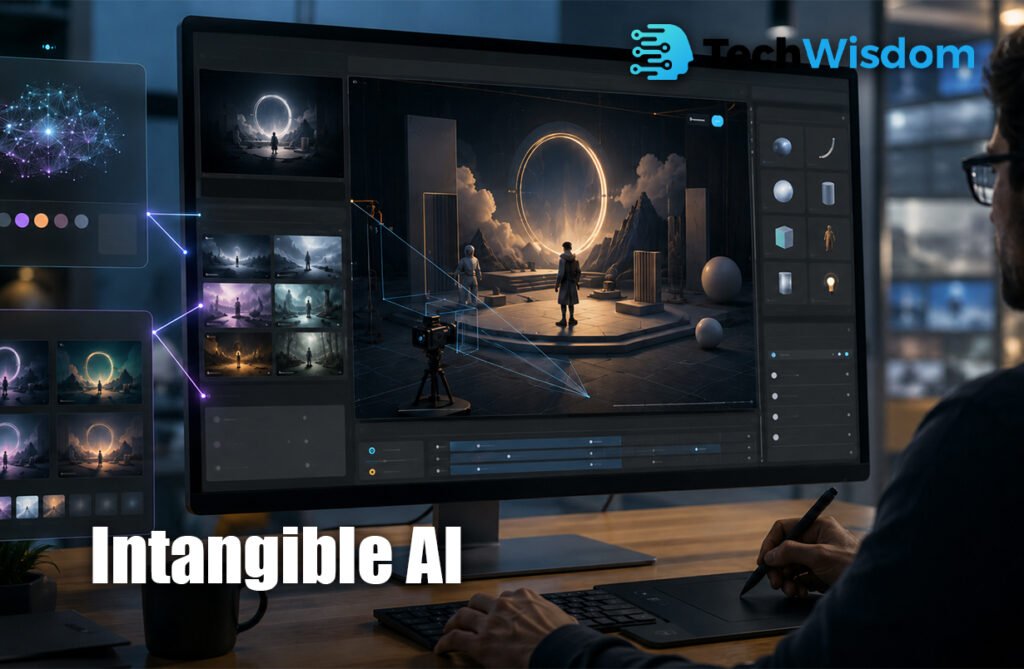
Camera control is one of the platform’s most useful features. Users can place a camera anywhere inside the scene and decide what appears in the frame. They can create wide shots, close-ups, low-angle views, top views, or over-the-shoulder shots.
Creators can also plan camera movement for video ideas. This is important because camera position affects the mood and meaning of a scene. A low camera can make a character look powerful, while a close-up can show emotion or an important product detail.
Turning Simple Scenes Into Images and Videos
After the scene is ready, generative models can turn the basic 3D setup into a more detailed image or video. The user may describe the lighting, time of day, materials, weather, visual style, or mood they want.
The 3D scene provides structure, while AI adds realistic details. This approach combines the control of traditional 3D software with the speed of modern generation tools. Results may include storyboards, campaign images, product visuals, cinematic frames, pitch videos, and environment concepts.
Best Uses for Creative Professionals
Filmmakers can use the tool for previsualization, which means planning scenes before filming. Directors can test camera angles, set layouts, and character positions. This may help them find problems before hiring actors, booking locations, or building expensive sets.
Advertising teams can create campaign ideas and client presentations. Game developers can explore characters and worlds. Event designers can plan stages and exhibition spaces. Retail teams can test store displays, while technology companies can explain complex machines or future products.
Main Benefits for Teams and Clients
One major benefit is faster communication. A visual scene is often easier to understand than a written explanation. Clients can see the planned camera angle, product position, location, and general style before the team begins full production.
The platform may also reduce repeated work. Instead of creating every image from the beginning, users can change the camera or move an object inside the same scene. Team members can share projects, review ideas, and make changes in a more organized way.
Pricing, Credits, and Export Options
The service uses a credit-based system. Creating images and videos uses credits, and the required amount may depend on the selected model, quality, and resolution. A free plan may help new users test the main workflow, while paid plans offer more credits and project features.
Paid options may include more scenes, more shots, custom asset imports, team collaboration, and watermark-free exports. Some plans also support 3D scene export for use in other creative tools. Prices and plan details can change, so users should review the official pricing page before subscribing.
Important Limits to Understand
AI-generated content is not always perfect. Users may still find problems with faces, hands, text, logos, product shapes, reflections, or movement. Every important output should be checked carefully before it is shared with a client or published.
Intangible AI is also not a complete replacement for professional tools such as Blender, Maya, Unreal Engine, Unity, or Cinema 4D. These programs provide deeper control for modelling, animation, physics, and final production. The AI platform is more useful for fast planning, visualization, and early creative work.
Users should also review privacy and copyright rules. They must have permission to upload protected logos, licensed models, celebrity images, client files, or confidential designs. Businesses working with unreleased products should check security options before adding sensitive material.
Is It the Right Tool for Your Project?
The platform may be a strong choice for people who need to create and explain visual ideas quickly. It is especially helpful when a project needs clear object placement, planned camera angles, several connected shots, or fast client feedback.
Intangible AI works best as a bridge between an early idea and full production. It gives non-technical creators more control than a prompt-only generator, while helping experienced teams test concepts faster. Its real value comes from combining human direction, 3D structure, and generative speed.
FAQs
What does the platform do?
It helps users build 3D scenes, control cameras, and generate images or videos for creative projects.
Do users need 3D design experience?
No. The platform is designed to make basic scene creation easier for people without advanced 3D skills.
Can it create professional videos?
It can create concept videos, storyboards, and visual tests. Final professional work may still require editing or other production tools.
Who can benefit from using it?
Filmmakers, advertisers, game creators, event designers, retailers, architects, and product teams may find it useful.
Can users import their own 3D models?
Some paid plans may support custom asset imports and 3D scene exports. Users should check current plan specifications.